
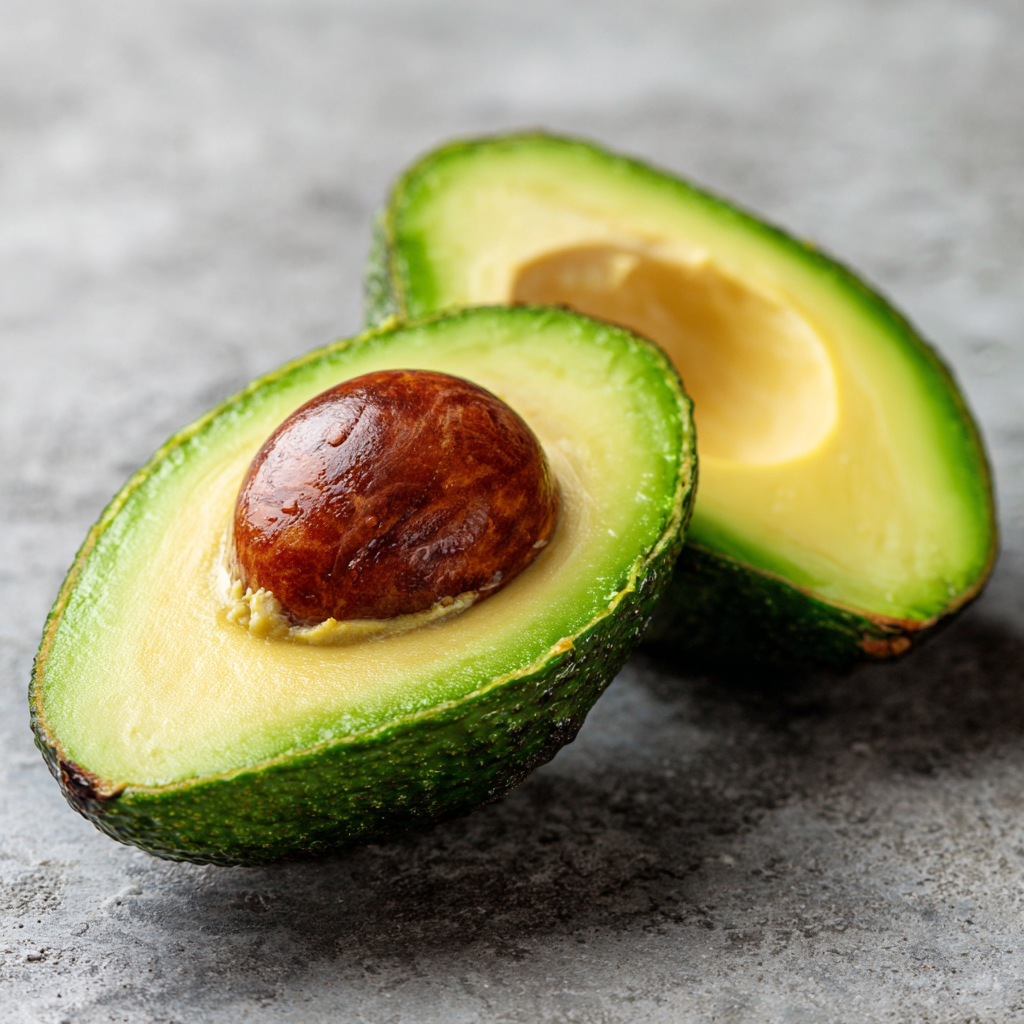
Use this free value study generator to convert any reference photo into a clear grayscale value study showing lights, midtones, and darks.
A value study strips away color to show only the lightness and darkness of an image. It's like converting to grayscale, but with the added ability to simplify values into distinct levels (like a 3-value, 5-value, or 9-value study).
Understanding values is one of the most important skills in art. Values create the illusion of form, depth, and light. A painting with accurate values will "read" correctly even if the colors are off. A painting with wrong values will look flat no matter how beautiful the colors.
Professional artists have done value studies for centuries. Here's why:
Upload any image and the Value Tool will:
You can use this alongside the original image while painting, or as a preliminary study before starting.
Most value study tools divide the grayscale range into equal chunks - if you ask for 5 values, they split 0-255 into five even slices. This creates a problem: the boundaries fall wherever the math dictates, not where the actual tones in your image naturally separate.
The result? Harsh, arbitrary transitions that cut through gradients and group unrelated tones together. A face might have its highlight and midtone lumped into one value while the shadow gets split across two.
Our Value Tool uses Smart Grouping to find natural value boundaries based on what actually appears in your image. It analyzes the distribution of tones and places boundaries where they make sense - preserving the relationships between light and shadow that make your reference work.
The simplest form - just light and dark. Great for checking if your composition has a strong abstract pattern. See our notan generator for more on this.
Light, midtone, and dark. This is the classic thumbnail study approach. If your painting works in 3 values, it will work in full detail.
More nuanced value separation. Useful for understanding subtle gradations and complex lighting situations.
The Value Study generator is just one of our free tools. You can also: