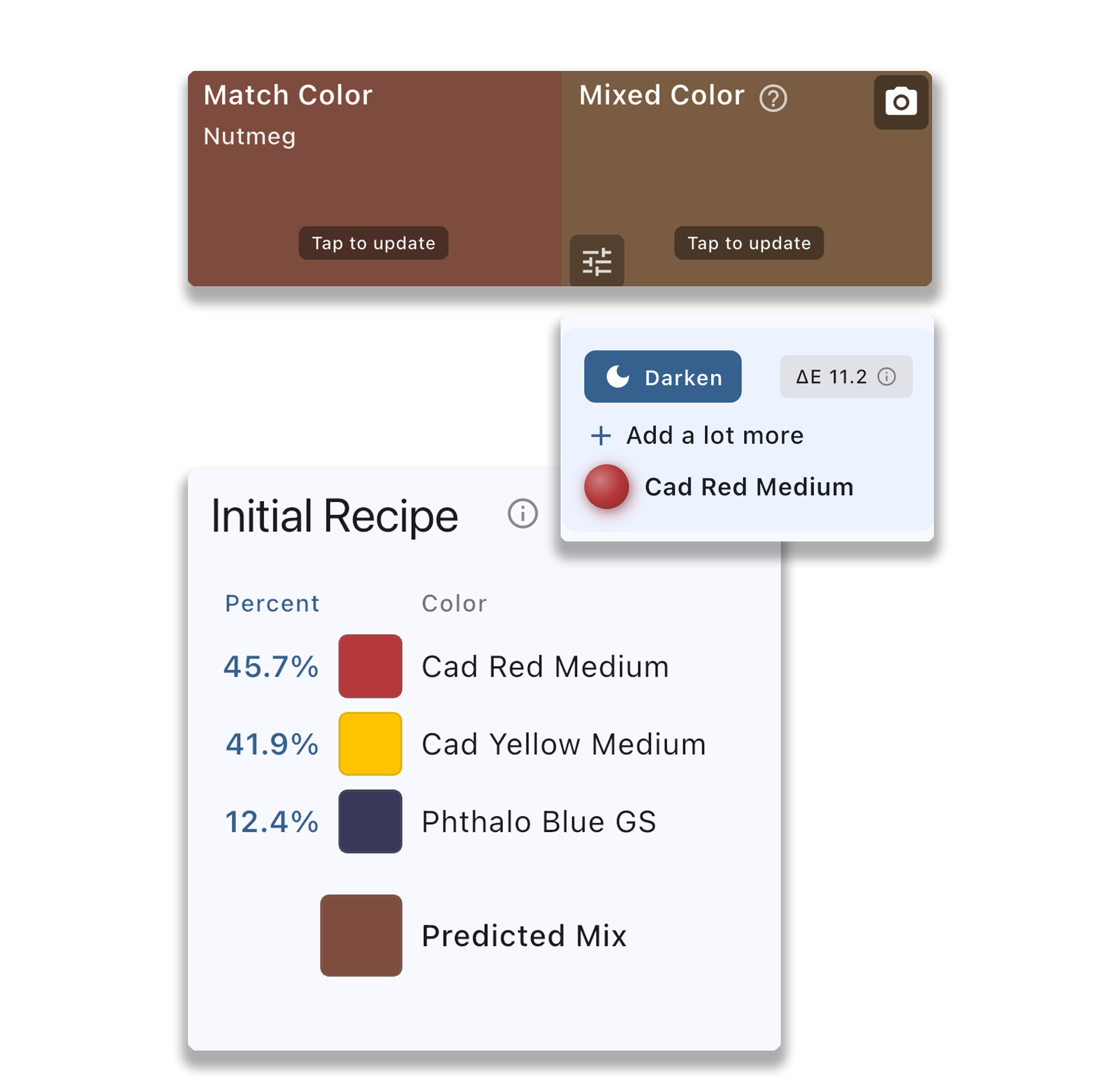
Match colors accurately with real-time feedback as you photograph your paint mixes. Like having a color coach at your easel.
Matching colors by eye is one of the hardest skills in painting. Color Study makes it easier by giving you real-time feedback on your mixes.
The feedback tells you whether your mix needs to be lighter or darker, warmer or cooler, more or less saturated. Keep adjusting until you nail it.
Note: This feature is designed for opaque paints (oils, acrylics, gouache) and won't work accurately with transparent media like watercolors.
Most painters struggle with color mixing because our eyes deceive us. Colors look different depending on what's around them. A gray next to orange looks blue. A green next to red looks more vivid.
Color Study removes the guesswork by comparing your actual mix to the target color in isolation, giving you objective feedback you can trust.
Paint mixing guidance isn't just about getting the right color - it's about training your eye. Over time, you'll start to see the adjustments before the app tells you.
Paint mixing guidance works for both studio painting and color study exercises:
Keep your phone or tablet nearby while you paint. When you need to match a specific color, photograph your mix and get instant feedback. No more wasting paint on guesses.
Practice matching colors from master paintings or photographs. It's a focused way to train your color perception without committing to a full painting.
Paint mixing guidance works alongside Color Study's other features: