Build a Color Map
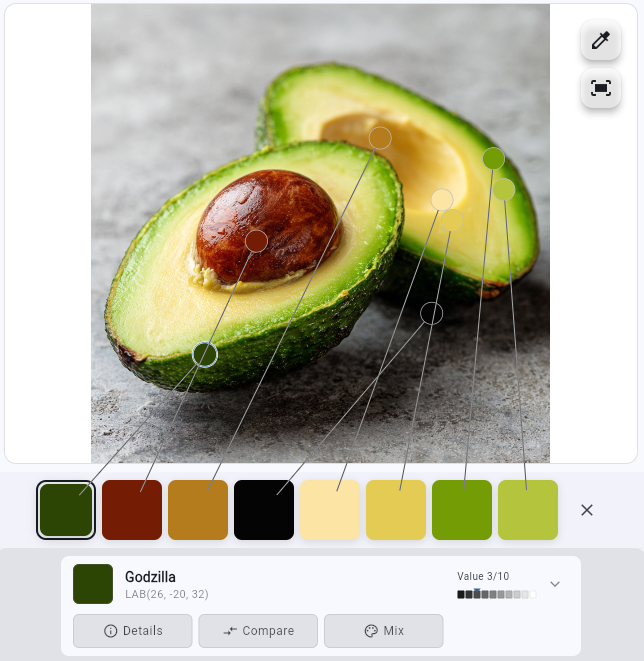
Extract colors and see exactly where they live in your reference. Unlike basic color pickers, Color Study links each color to its location — revealing relationships and guiding your painting decisions.
 Color Study
Paint with Confidence

Built by an artist
I created Color Study to simplify images into clear, paintable shapes and reveal the value and color relationships between them.
566+ artists since Dec 2025
Too much detail
Values deceive you
Warm or cool?
Mixes never match
Extract colors and see exactly where they live in your reference. Unlike basic color pickers, Color Study links each color to its location — revealing relationships and guiding your painting decisions.
Simplify any reference into clear, paintable shapes. Reduce overwhelming detail to essential masses so you know exactly where to start.
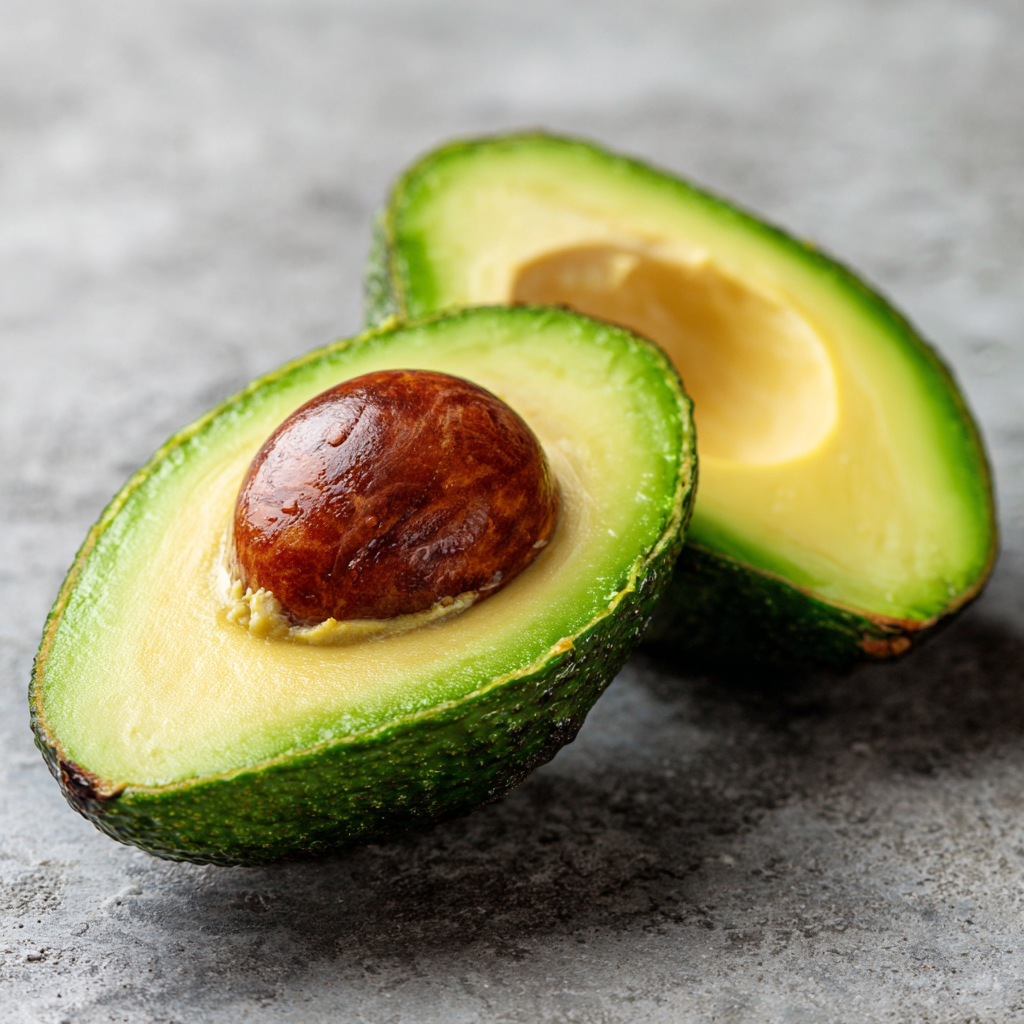
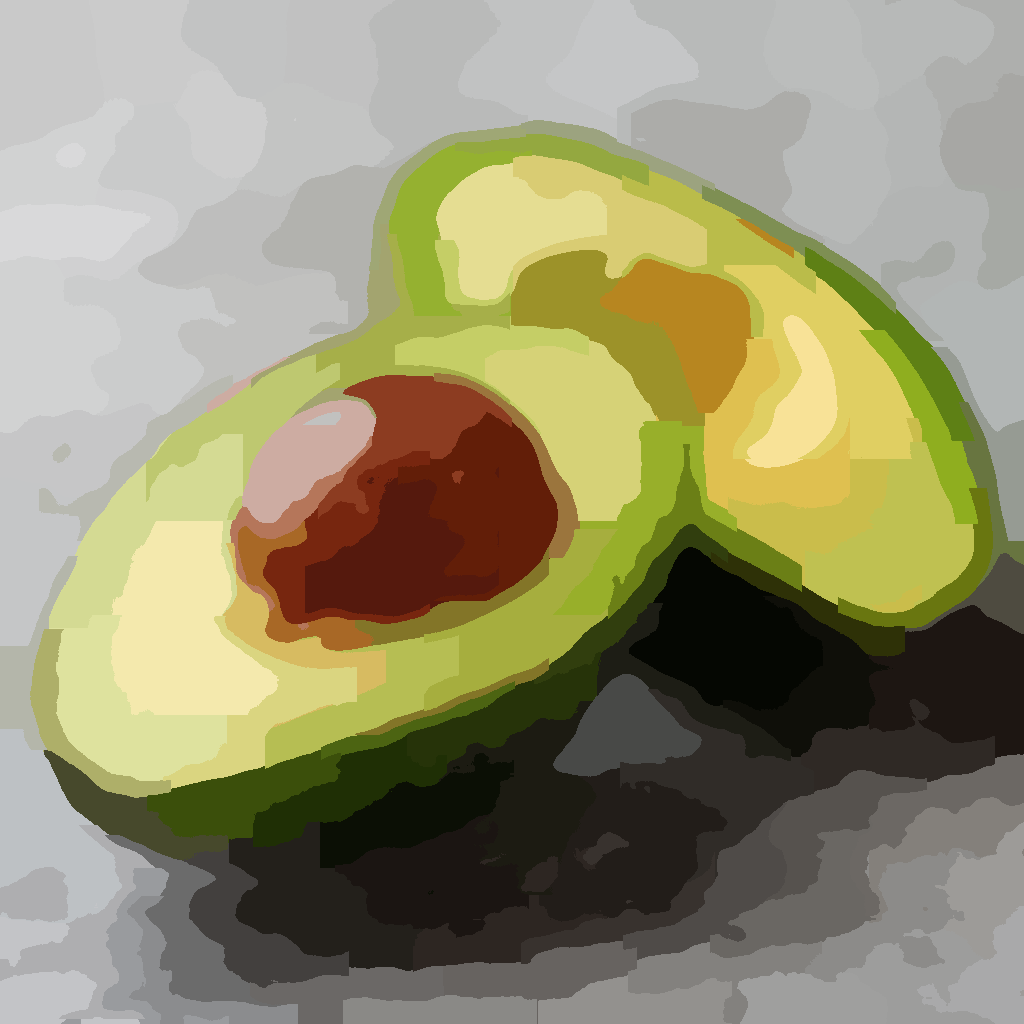
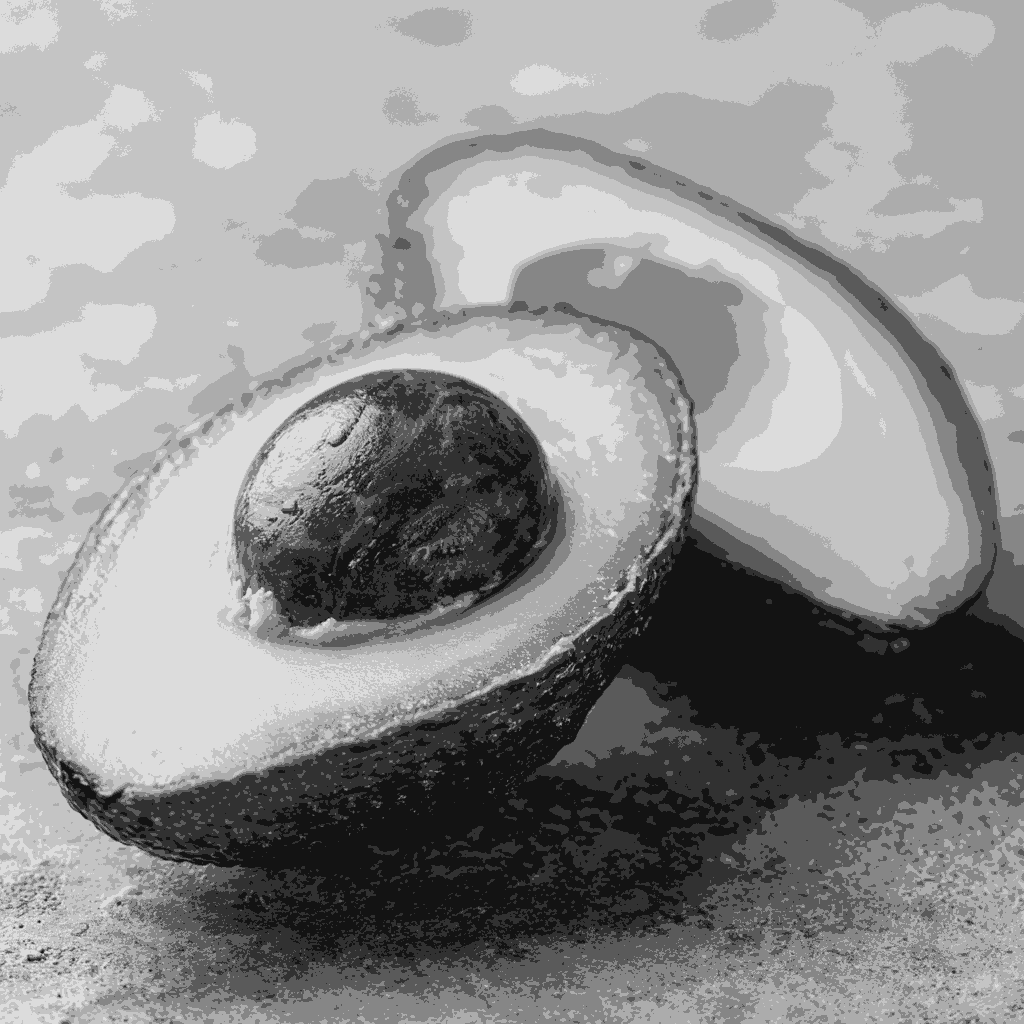
Generate value maps that reveal the true light and dark pattern. Compare values across your image with actual numbers — no more guessing.
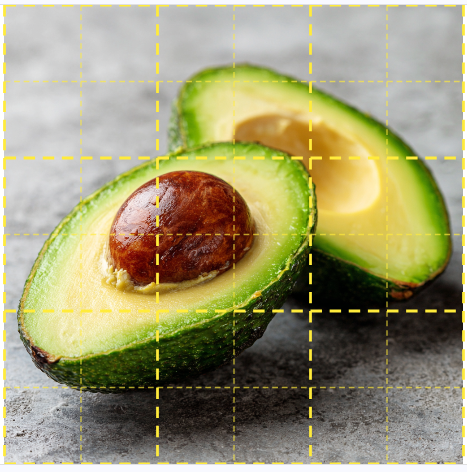
Overlay a highly customizable grid on any reference to nail proportions and placement. Adjust divisions, colors, and opacity to match your canvas.
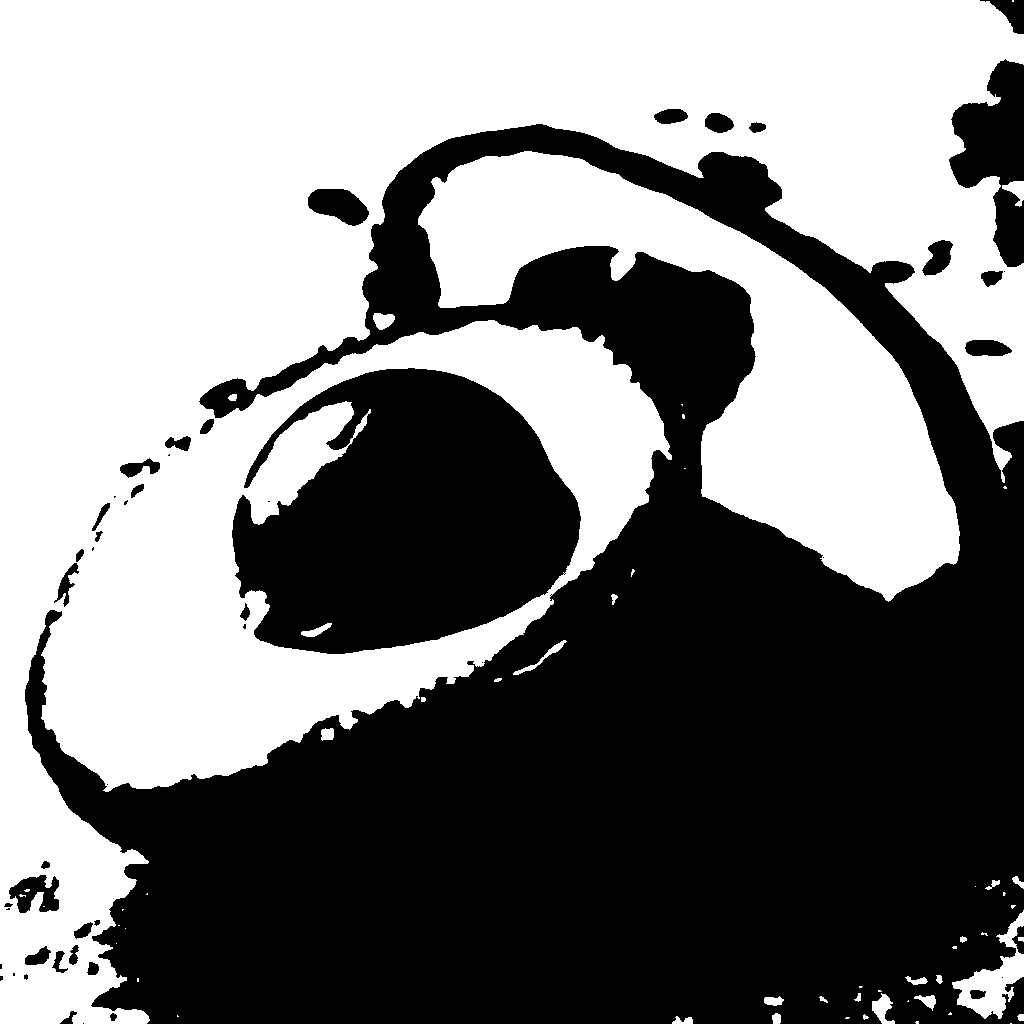
Reduce your reference to a two-tone black and white image that reveals the underlying composition. See if your design reads clearly before committing paint to canvas.
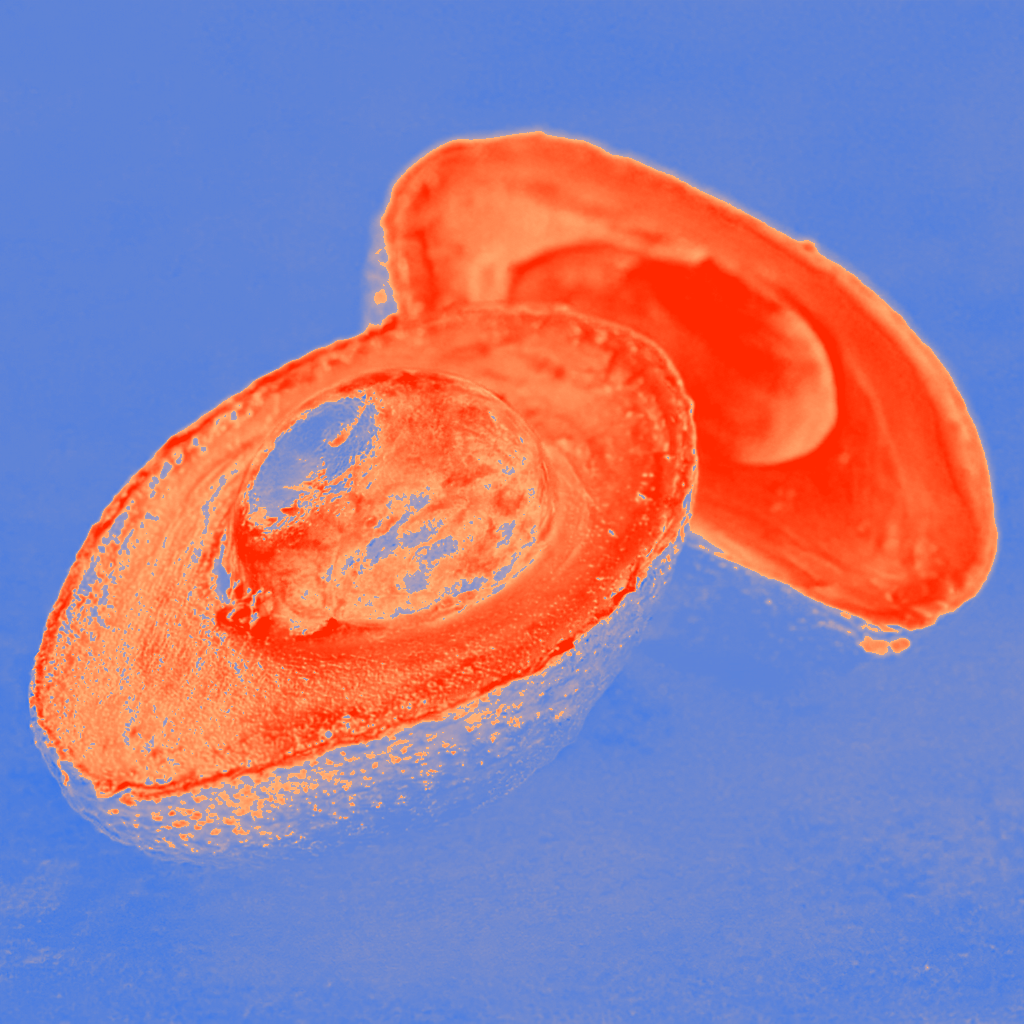
Visualize the relative warmth and coolness of areas. Nailing color tempearture along with values can elevate your paintings to the next level.
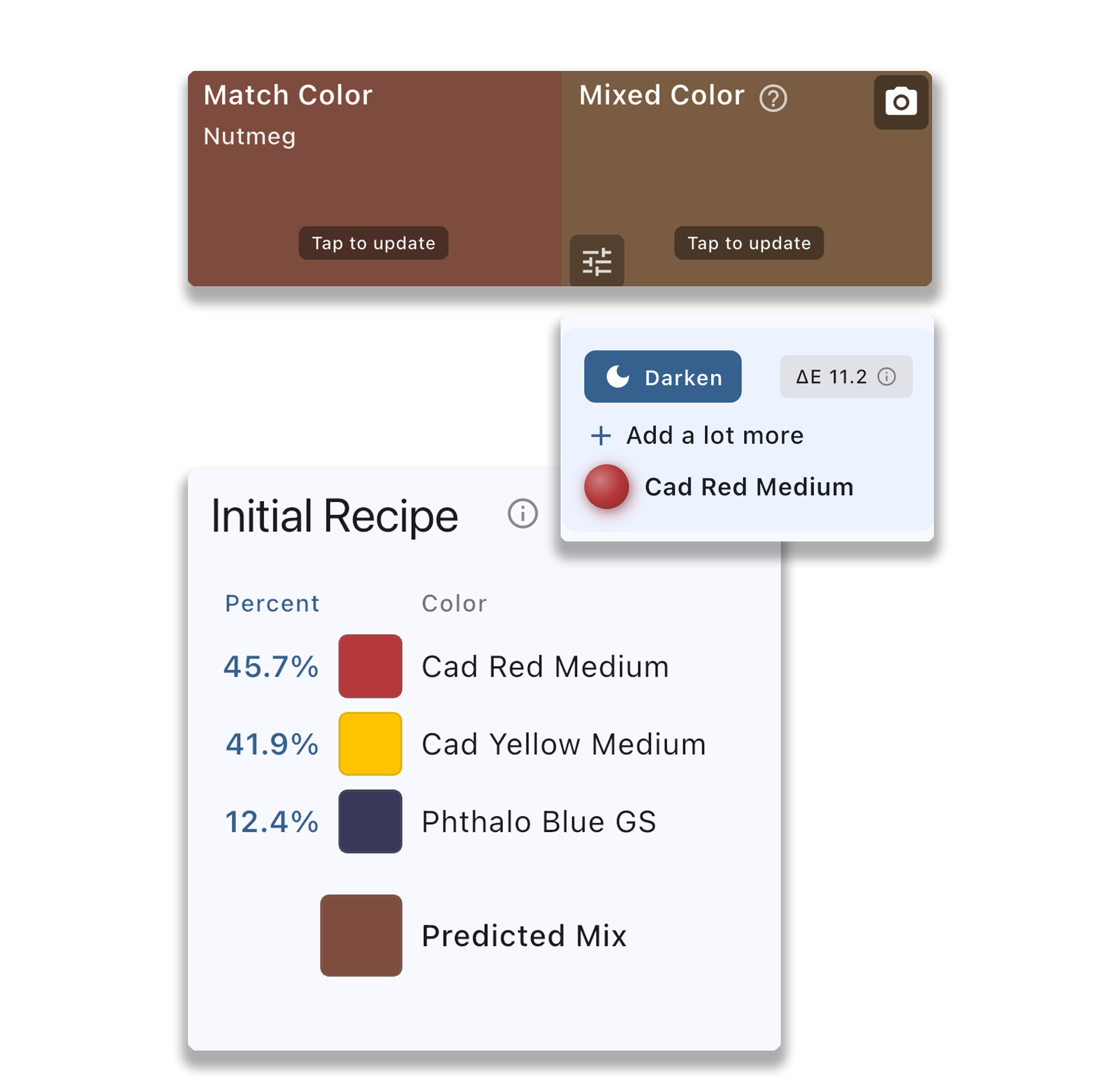
Select a target color, photograph your paint mix, and get real-time feedback. Know exactly how to adjust your mix before it hits the canvas.
Use the grid to nail sketch proportions, block in with simplified shapes, and refine with accurate color comparisons.
Analyze scenes on-site as a crosscheck for values when squinting, and guide your paint mixing.
Learn to see value and color relationships like the masters.
Level up your paintings without years of trial and error.
Color Study uses advanced algorithms to reduce your reference to clear, paintable shapes — helping you block in without getting lost in details. Unlike other apps that just blur the image, our simplification preserves meaningful edges and color regions.
Upload your image and Color Study will automatically identify key colors and mark their locations. You can also tap or long-press anywhere for precision picking, with adjustable magnification and color sampling size.
Value maps show you exactly where the lights and darks are, separated from color. You can set the number of values desired, smooth the image, tap to highlight specific values, and export for reference while you paint.
Yes! Export from any view — simplified shapes, value maps, and more. You can also create a color map that shows the locations of your picked colors directly on the image.
Select a target color and get an initial mixing recipe. Set the colors in your palette for a customized recipe. Then photograph your paint mix and Color Study will give you adjustment directions to get closer to the target. Rinse and repeat until it's spot on. Note: This feature is designed for opaque paints (oils, acrylics, gouache) and won't work accurately with transparent media like watercolors.
Both! Traditional painters love the paint mixing guidance and value maps at their easel. Digital artists use it to analyze references and build accurate color palettes. It fits right into any workflow.
Core features like the color picker and extraction, color details and comparisons are completely free. Advanced features such as Simplify, Values, and exporting are available with a modest subscription — see current pricing in the app under Settings → Upgrade to Pro. Cancel anytime, 30-day money-back guarantee.
Currently, subscriptions are separate on each platform (web, iOS, and Android). If you subscribe on one platform, it won't automatically unlock Pro features on the others.